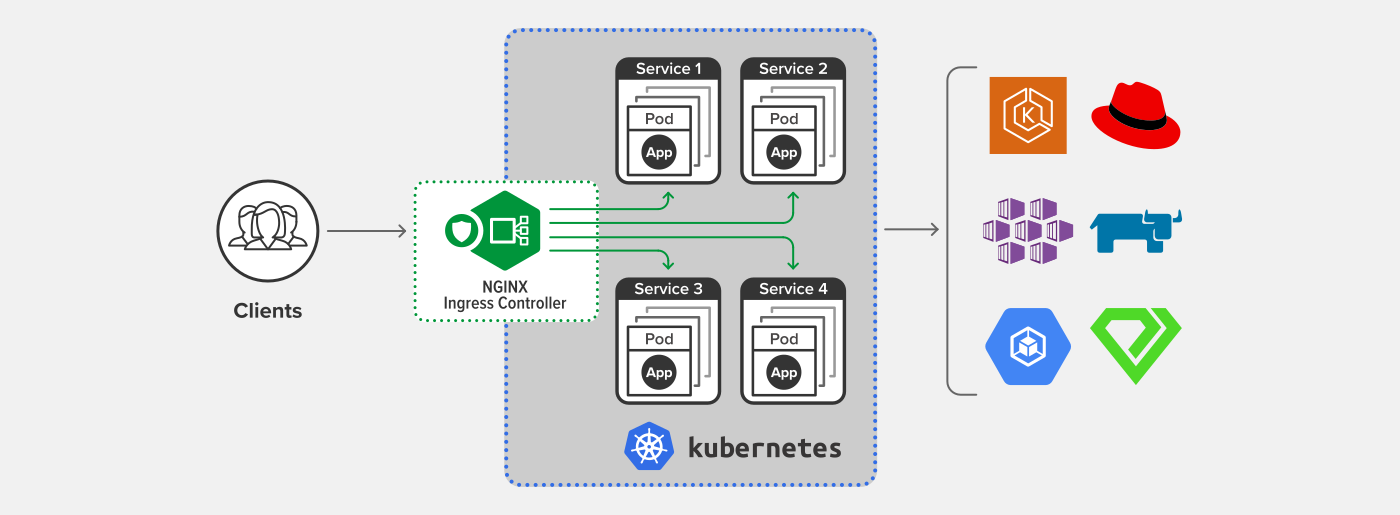
Ingress Nginx is commonly used in Kubernetes to provide reverse proxying and load balancing for web services. In some situations, you might need the same IP address to also provide other TCP/UDP services. This article will introduce how to use Ingress Nginx as a proxy for TCP/UDP services in such cases.
Purpose
In most cases, Ingress Nginx is only used for HTTP/HTTPS reverse proxying and load balancing. However, when setting up services like GitLab or Gitea, an SSH port is required for Git connections in addition to HTTP/HTTPS. In this scenario, since DNS requires different ports to share the same IP, you will need to use Ingress Nginx to proxy TCP services.
Configuration
Ingress is not designed to support TCP/UDP services, so the Ingress controller needs to utilize --tcp-services-configmap 跟 --udp-services-configmap a reference to an existing ConfigMap, which contains the configuration for the services to be proxied.
The following is an example of a ConfigMap for providing services via port 22:
apiVersion: v1
kind: ConfigMap
metadata:
  name: tcp-services
  namespace: ingress-nginx
data:
  22: “<namespace>/<service>:22"
Ingress Nginx also needs to expose the corresponding ports.
apiVersion: v1
kind: Service
metadata:
  name: ingress-nginx
  namespace: ingress-nginx
  labels:
    app.kubernetes.io/name: ingress-nginx
    app.kubernetes.io/part-of: ingress-nginx
spec:
  type: LoadBalancer
  ports:
    - name: http
      port: 80
      targetPort: 80
      protocol: TCP
    - name: https
      port: 443
      targetPort: 443
      protocol: TCP
    - name: proxied-tcp-22
      port: 22
      targetPort: 22
      protocol: TCP
  selector:
    app.kubernetes.io/name: ingress-nginx
    app.kubernetes.io/part-of: ingress-nginx
You also need to add the following to the Ingress controller's startup parameters: --tcp-services-configmap
    spec:
      containers:
      - args:
...
        - --tcp-services-configmap=ingress-nginx/tcp-services
Once these settings are configured, you can use Ingress Nginx to expose TCP services, and UDP services can be handled using a similar method.
Reference
Copyright Notice: All articles on this blog are licensed under CC BY-NC-SA 4.0 unless otherwise specified.
