
In the early days, OpenStack deployment was complex and difficult to maintain. However, with the recent popularity of DevOps and Container concepts, the OpenStack Community introduced a method to deploy OpenStack using Containers and Ansible. This is implemented through Kolla and Kolla-Ansible. Kolla provides Dockerfiles to build the necessary Docker images for OpenStack, while Kolla-Ansible provides the Ansible playbooks required to deploy these containers. This article will introduce how to use this project to quickly deploy a production-ready, high-availability OpenStack environment (currently version Queens).
Contents
Basic Architecture
A high-availability OpenStack environment generally requires at least 4 nodes: 3 controller nodes (also acting as Ceph nodes) and at least one compute node. Each node must have at least two interfaces.
Kolla-Ansible categorizes OpenStack networks into several types:
- The API interface is the interface for communication between internal OpenStack components and for database access; using an internal network is recommended.
- The External VIP Interface is the external endpoint for OpenStack.
- The Storage Interface is the interface for communication between OpenStack VMs and Ceph; a network of 10G or higher is recommended.
- The Cluster Interface is the network interface for internal file replication within Ceph; a network of 10G or higher is also recommended.
- The Tunnel Interface is the interface used for VM-to-VM network communication in OpenStack.
- The Neutron External Interface provides external network access for VMs; flat/VLAN networks for floating IPs also use this interface.It must be a dedicated interface and cannot have an IP address assigned.
Except for the Neutron External Interface, which requires a dedicated interface, all other networks can share an interface. By default, they will inherit the value of `network_interface`.
Prerequisites
This example uses the official images uploaded to DockerHub. If you need to modify the images yourself, you will need to set up a Docker Registry.
First, download the Kolla-Ansible code on the machine where the deployment will be executed.
git clone https://github.com/openstack/kolla-ansible -b stable/queens
pip install -U ansible
Place the Kolla-Ansible configuration files into /etc/kolla
cp kolla-ansible/etc/kolla/ /etc/kollaInstall Ansible
You can install Ansible directly using the package manager of your Linux distribution.
CentOS
sudo yum install epel-release
sudo yum install ansible
Ubuntu
sudo apt install ansibleEnvironment Configuration
All Kolla-Ansible configurations are placed in /etc/kolla/globals.yml
When editing, remember to first remove the comment symbol from the line you wish to edit. The initial values provided are the defaults.
Kolla Options
`kolla_install_type` refers to the installation method for the OpenStack code. "Binary" uses the pre-packaged binary files from various distributions, while "source" uses the upstream OpenStack source code. This choice varies by preference; I personally prefer using the source method for installation.
`openstack_release` is basically the Docker repository tag used by Kolla images. In this example, since we are using the Queens version on DockerHub, enter queens
# Valid option is Docker repository tag
openstack_release: "queens"
kolla_internal_vip_address and kolla_internal_fqdn are the IP address and FQDN used for internal communication between OpenStack services. You should enter a specific IP address here based on your environment; this IP must be in the same CIDR as the API interface and must be an unused IP.
kolla_external_vip_address and kolla_external_fqdn are the IP address and FQDN used by public users to access OpenStack services.
kolla_internal_vip_address: "192.168.113.0"

#kolla_internal_fqdn: "{{ kolla_internal_vip_address }}"

kolla_external_vip_address: "140.113.0.1"

kolla_external_fqdn: "openstack.igene.tw"
Docker Options
Docker Options are for configuring authentication and location settings for the Docker Registry. Since this example uses images directly from DockerHub, you can leave these commented out.
Network Options
The Network Options section is for configuring the interfaces used by the various networks mentioned above. You should update the interface names here to match the actual interface names on your machines. If there are discrepancies, you can also override them in the Ansible Inventory.
#kolla_external_vip_interface: "eth0"
#api_interface: "{{ network_interface }}"
#storage_interface: "enp2s0f0"
#cluster_interface: "enp2s0f1"
#tunnel_interface: "{{ network_interface }}"
#dns_interface: "{{ network_interface }}"

#neutron_external_interface: "eth1"
OpenStack Options
Here you can select which OpenStack services to enable. This tutorial will additionally enable Ceph and Cinder.
enable_ceph: "yes"
enable_ceph_rgw: "yes"
enable_cinder: "yes"
Glance – Image Options
Since we have enabled Ceph, we want to store OpenStack images directly in Ceph, so the Glance backend should be changed to Ceph.
glance_backend_file: "no"
glance_backend_ceph: "yes"
Cinder – Block Storage Options
Cinder Volume and Cinder Backup will also be provided by Ceph, so change their backends to Ceph as well.
cinder_backend_ceph: "yes"

cinder_backup_driver: "ceph"
Nova – Compute Options
The storage for Nova is also changed to use Ceph.
nova_backend_ceph: "yes"Most of the configuration is now complete. For an actual production deployment, you can make further adjustments based on your specific requirements.
If you need to modify or tune configuration files for individual services, you can refer to this article. Using Custom Config in Kolla-Ansible
Ansible Inventory Configuration
Fill in the Ansible Inventory with the hostnames or IP addresses of your chosen nodes. This example includes three controller nodes. control01, control02 control03` 和一台 compute node `compute01
[control]
control01
control02
control03

[network]
control01
control02
control03

[inner-compute]

[external-compute]
compute01

[compute:children]
inner-compute
external-compute

[monitoring]
control01
control02
control03

[storage]
control01
control02
control03
Actual Deployment
Once configured, the actual deployment with Kolla-Ansible is straightforward, requiring only four commands.
cd kolla-ansible
tools/generate_passwords.pygenerate_passwords` 這個 script 將會產生 OpenStack 使用的密碼並且填入 `/etc/kolla/passwords.yml
tools/kolla-ansible -i ansible/inventory/multinode bootstrap-serversbootstrap-servers
tools/kolla-ansible -i ansible/inventory/multinode prechecksprechecks
tools/kolla-ansible -i ansible/inventory/multinode deploydeploy
If deploy
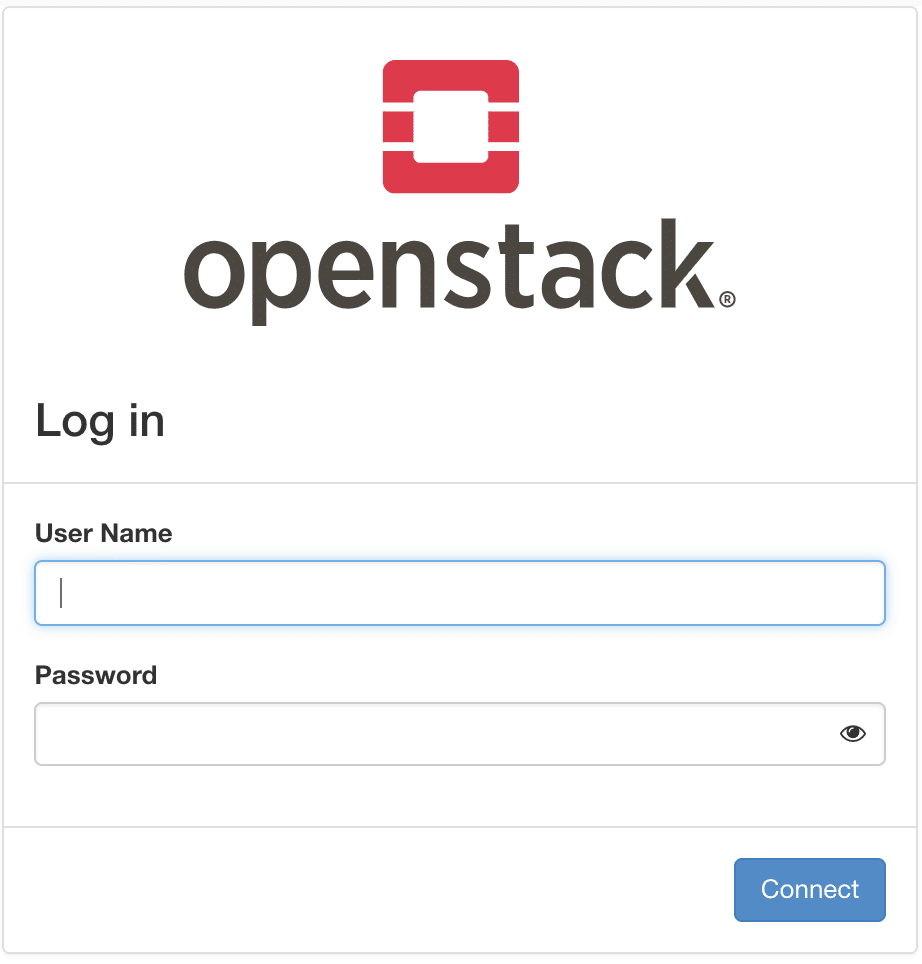
Finally, use the username "admin" and /etc/kolla/passwords.yml" 中的 `keystone_admin_password
Reference
Copyright Notice: All articles on this blog are licensed under CC BY-NC-SA 4.0 unless otherwise stated.
